Everything You Need to Make Perfect Buttons
From quick one-offs to bulk orders, we've got you covered.
Automatic Bleed Calculation
No more math. We calculate the perfect bleed for every button size automatically. What you see is what you print.
AI Image Generation
Describe what you want and watch AI create it. No design skills needed. Generate, enhance, or remove backgrounds.
Print-Ready PDFs
Download perfectly formatted PDFs ready for your Cricut or button press. Cut lines included.
Batch Processing
Create multiple designs and arrange them efficiently on one page. Save paper, save time.
Mail Merge
Upload a CSV and generate personalized buttons for everyone. Perfect for class buttons, campaigns, events.
Text Layers & Styling
Add text with arc effects, outlines, and shadows. Create professional-looking buttons without design software.
How It Works
Four simple steps to perfect buttons
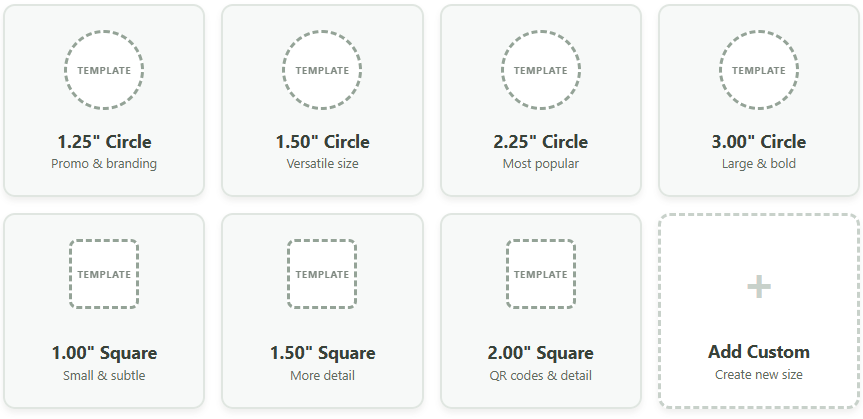
Pick Your Size
Choose from standard sizes or create custom templates.
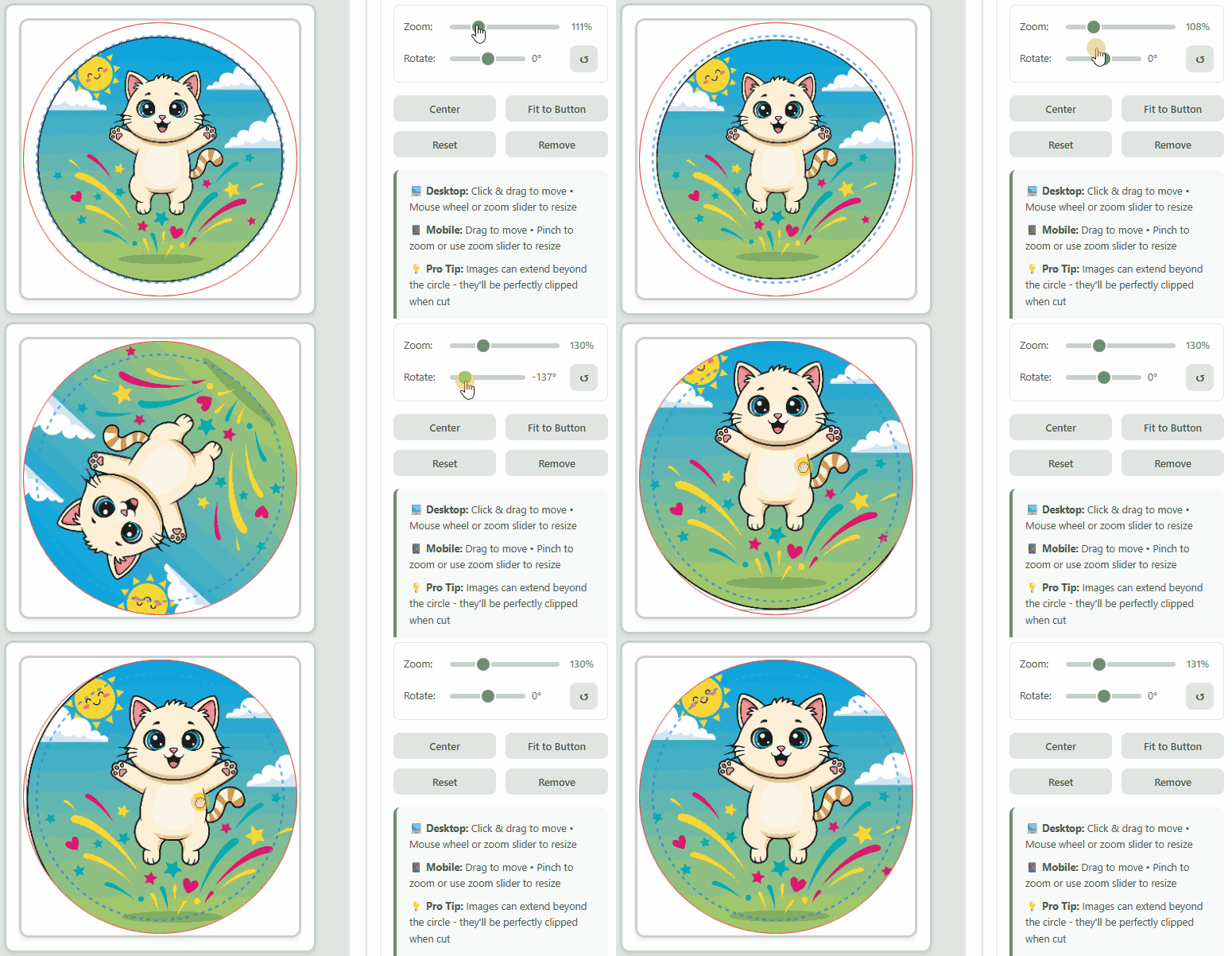
Upload or Create Your Design
Use your own image or generate one with AI.
Fill Your Page
Add designs to your queue, fill entire pages automatically.
Download & Print
Export your print-ready PDF with perfect cut lines.
AI-Powered Design Tools
No design skills? No problem. Let AI do the heavy lifting.
Generate Images
Describe what you want. "Retro microphone with sound waves" becomes button-ready artwork in seconds.
Enhance Quality
Got a blurry logo? AI upscales and sharpens images for crisp, print-ready results.
Remove Backgrounds
One click to remove backgrounds cleanly. Perfect for turning any image into button art.
What You'll Love
Real benefits that make button making a breeze.
5 Minutes, Not Hours
Skip the Photoshop struggle. Design, position, and export in minutes instead of hours.
Batch Like a Pro
Create 50 personalized buttons in 5 minutes with mail merge. Perfect for events, campaigns, and bulk orders.
What You See Is What Prints
No more guessing. Automatic bleed calculation means your buttons print exactly as designed.
Simple, Honest Pricing
Start free. Upgrade when you need more.
- ✓ 3 button designs/month
- ✓ Use your own images
- ✓ Standard shapes and sizes
- ✓ Print-ready PDF export
- ✓ We handle the bleed math
- ✓ Unlimited button designs
- ✓ Create images with AI (5/mo)
- ✓ Custom shapes and sizes
- ✓ Multi-design pages (less paper)
- ✓ SVG + PDF export
- ✓ Ad-free workspace
- ✓ Unlimited button designs
- ✓ Create images with AI (100/mo)
- ✓ Text layers & curved text
- ✓ Mail merge from CSV
- ✓ Batch 100 designs at once
- ✓ Ad-free workspace