Free 100th Day of School Button Printables – 2.25 Inch 100 Days Smarter Chalkboard Pins
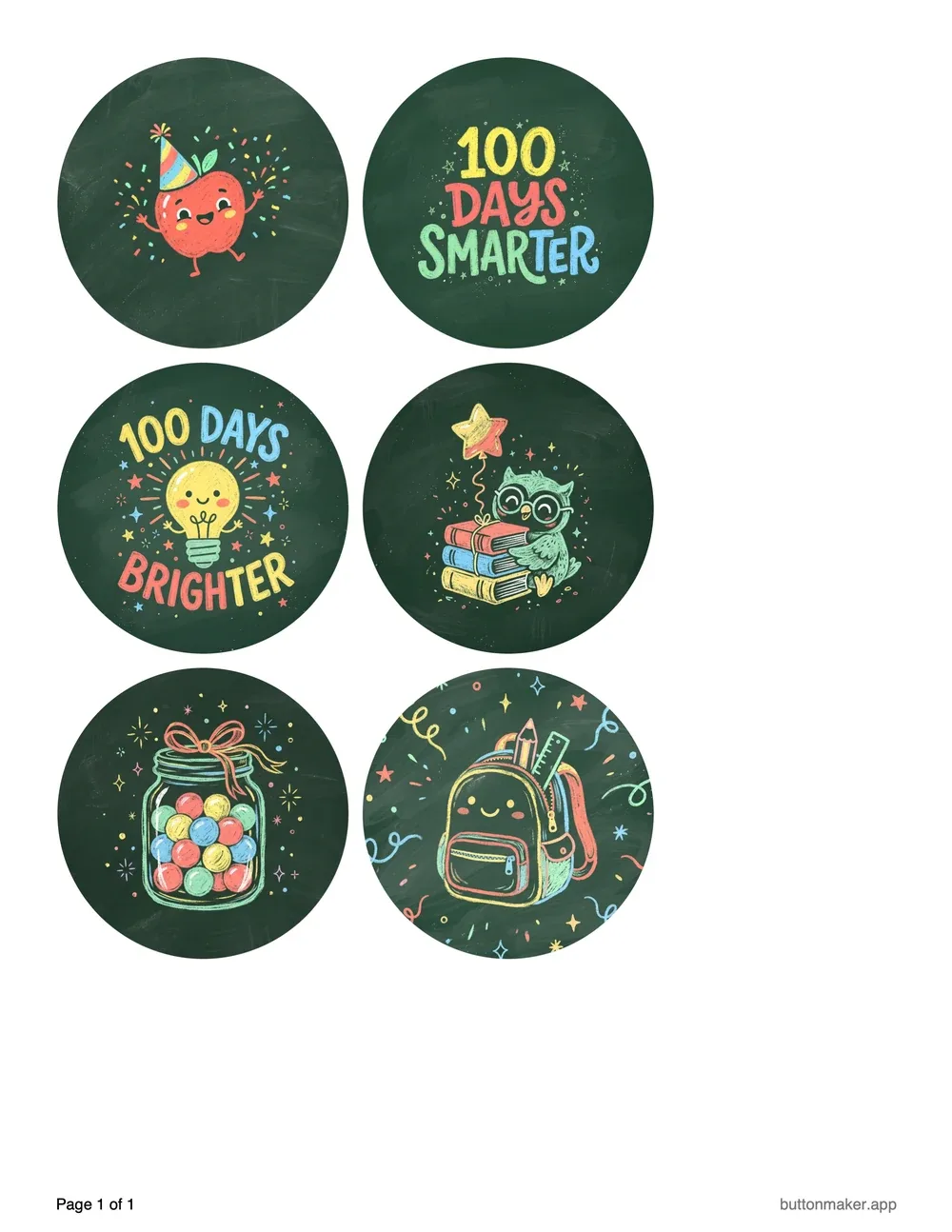
One hundred days of reading, counting and lining up for recess deserves a little fanfare. This sheet has six chalkboard-style designs you can turn into 2.25 inch pin-back buttons for the whole class, drawn to look like colored chalk on a dark green board.
Two of the six carry a saying: 100 Days Smarter in big rainbow letters, and 100 Days Brighter wrapped around a smiling lightbulb. The other four are pictures only, so kids who can't read yet still get a button they love: a party-hat apple, an owl with an armful of books, a jar of gumballs and a cheerful backpack.
Every circle is filled with chalkboard green right out to the cut edge, so no white shows when the paper wraps around the button shell. The sheet is drawn at true size for a standard 2.25 inch press with the bleed already built in. Print it at 100%, cut around the edge of each circle and press.
What's on this sheet
- Party apple: A smiling red apple with rosy cheeks and a striped party hat, kicking up its heels in a burst of confetti.
- 100 Days Smarter: Words only: 100 in yellow, Days in coral pink and Smarter in mint and blue chalk letters, with a few small stars.
- 100 Days Brighter: A smiling yellow lightbulb with little arms and bright rays, with 100 Days above it and Brighter below.
- Owl with books: A mint green owl in round glasses hugging a stack of three books, with a star balloon tied to the top.
- Gumball jar: A glass jar packed with red, yellow, blue and green gumballs, tied with a pink ribbon bow and ringed with sparkles.
- Happy backpack: A smiling backpack with a pencil and a ruler poking out of the top, surrounded by streamers and stars.
Ways to use them
- A button for every student on the 100th day. Print a few pages and let each child pick a favorite.
- Teacher and staff pins to wear on the big day, especially the two with sayings.
- Prizes for 100th day counting games and collection projects. The gumball jar suits a counting table.
- Add-ons for 100th day crowns, goodie bags or a classroom bulletin board.
- Backpack tags or fridge magnets to take home, using magnet backs in place of pin backs.
Size & printing
- Made for 2.25 inch round buttons. Each colored circle is the 2.625 inch cut size, which leaves room for the paper to wrap the shell.
- Six designs per US Letter page, one of each. Print at Actual Size or 100% with Fit to page turned off.
- There is no printed cut line on this sheet. Cut around the edge of each dark green circle.
- Fits standard 2.25 inch presses that use a 2.625 inch cutter. Metric 58mm presses use a different cut size.
- Open the PDF and choose Print.
- Set the scale to "Actual size" or 100%. Turn "Fit to page" OFF.
- Choose US Letter paper (8.5 x 11 inches).
- Print one page first and hold a ruler to one design to check its size before you print more.
Frequently asked questions
- Where do I cut if there is no cut line?
- Cut around the outside edge of each dark green circle. The circle itself is the 2.625 inch cut size for a 2.25 inch button, so a circle cutter or punch set to that size lines up with the edge of the color.
- Will the dark chalkboard background use a lot of ink?
- It uses more than a light design would. A normal quality setting on plain paper is plenty for buttons, since the clear cover adds shine and hides small streaks.
- Can I make a button with my own class name or a student's name?
- This sheet is ready to print as it is. To add a name, a grade or a different saying, design your own sheet in Button Maker and print it the same way.
More free sheets
 Free 100th Day of School Button Printables – 1.25 Inch Mini Apple, Star & Pencil Pins
 Free Winter Window Art Button Printables – 2.25 Inch Linocut Snowflake, Cabin & Snowy Owl Pins
 Free Groovy Classroom Button Printables – 1.25 Inch Mini Pencil, Rainbow & Daisy Pins
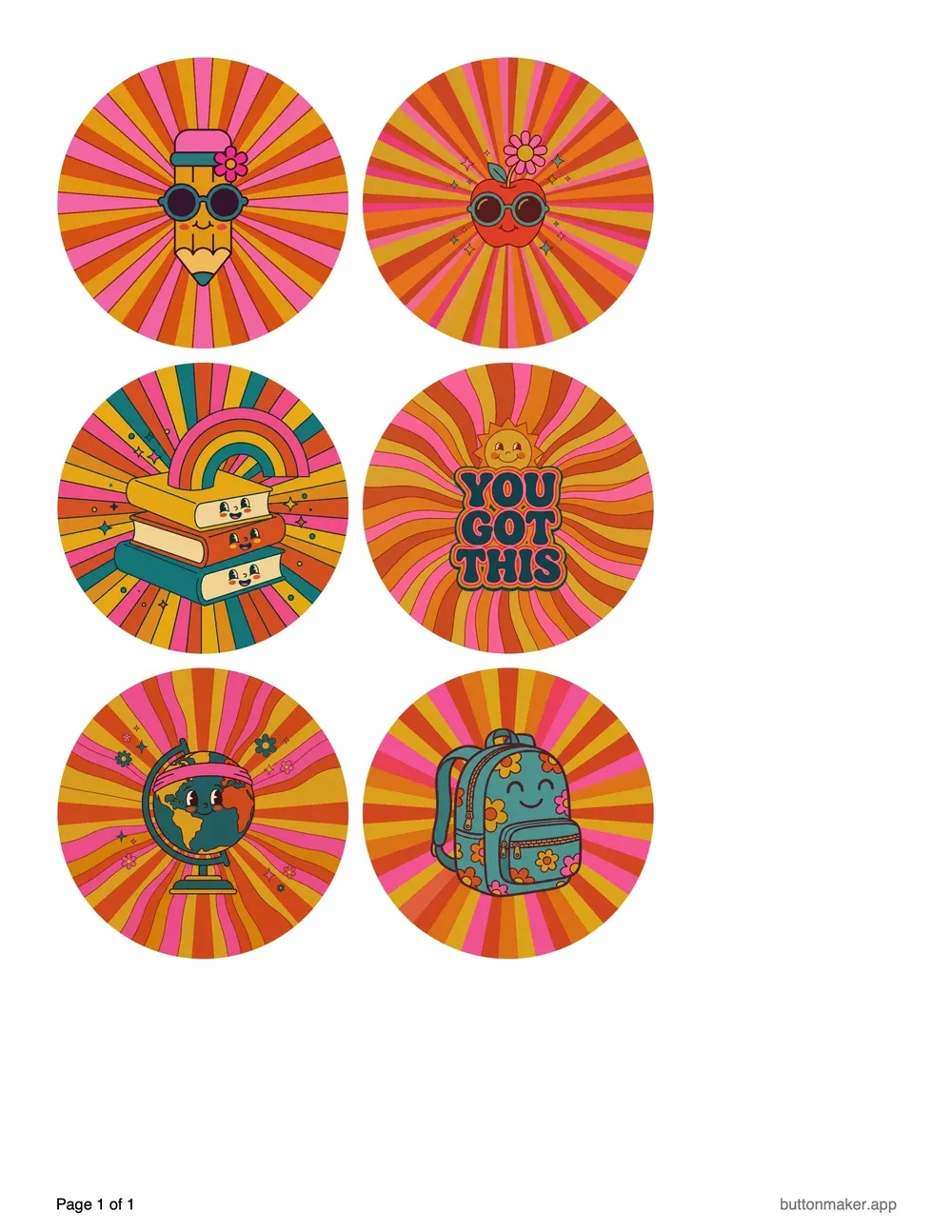 Free Groovy Classroom Button Printables – 2.25 Inch You Got This & Retro School Pins
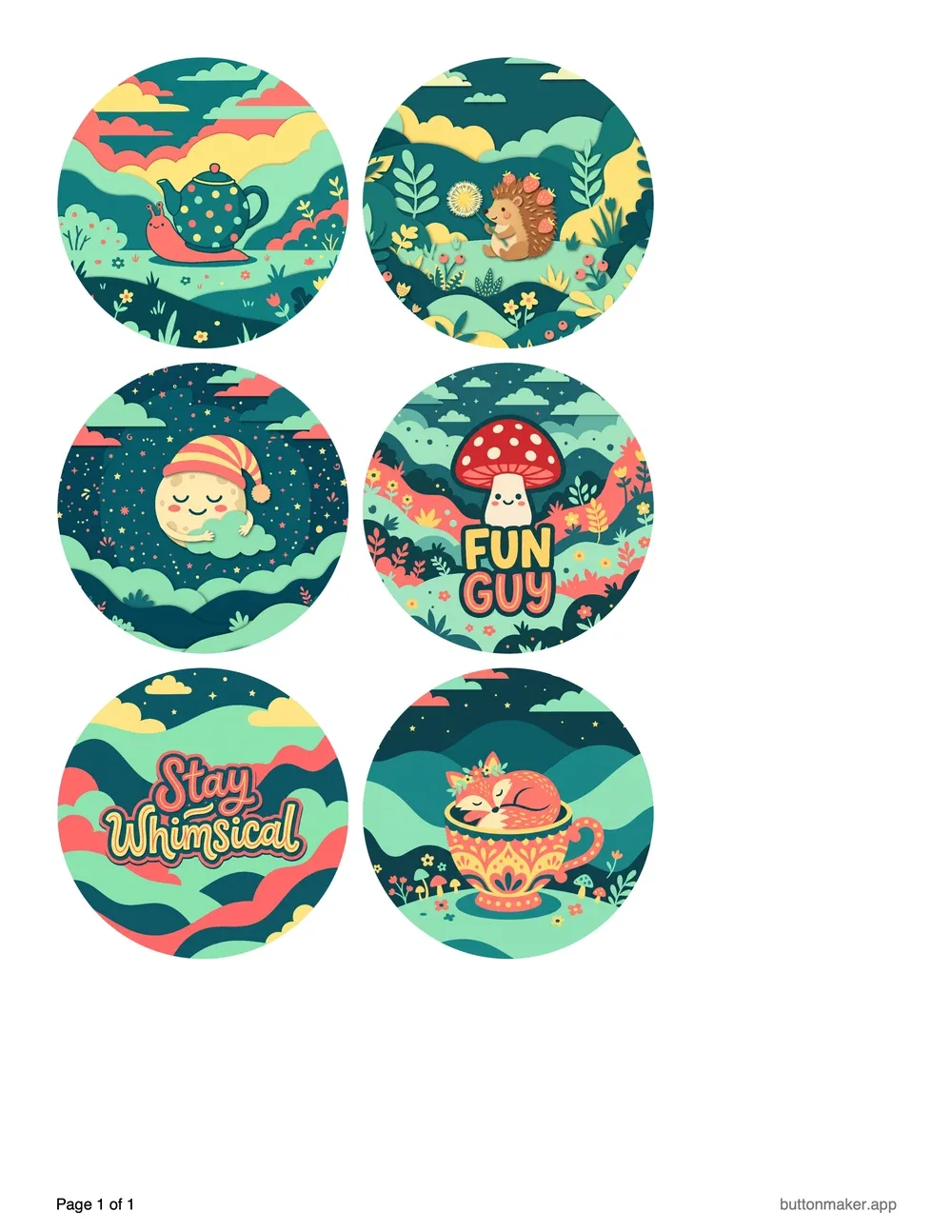 Free Whimsy Button Printables – 2.25 Inch Fun Guy Mushroom & Teacup Fox Papercut Pins
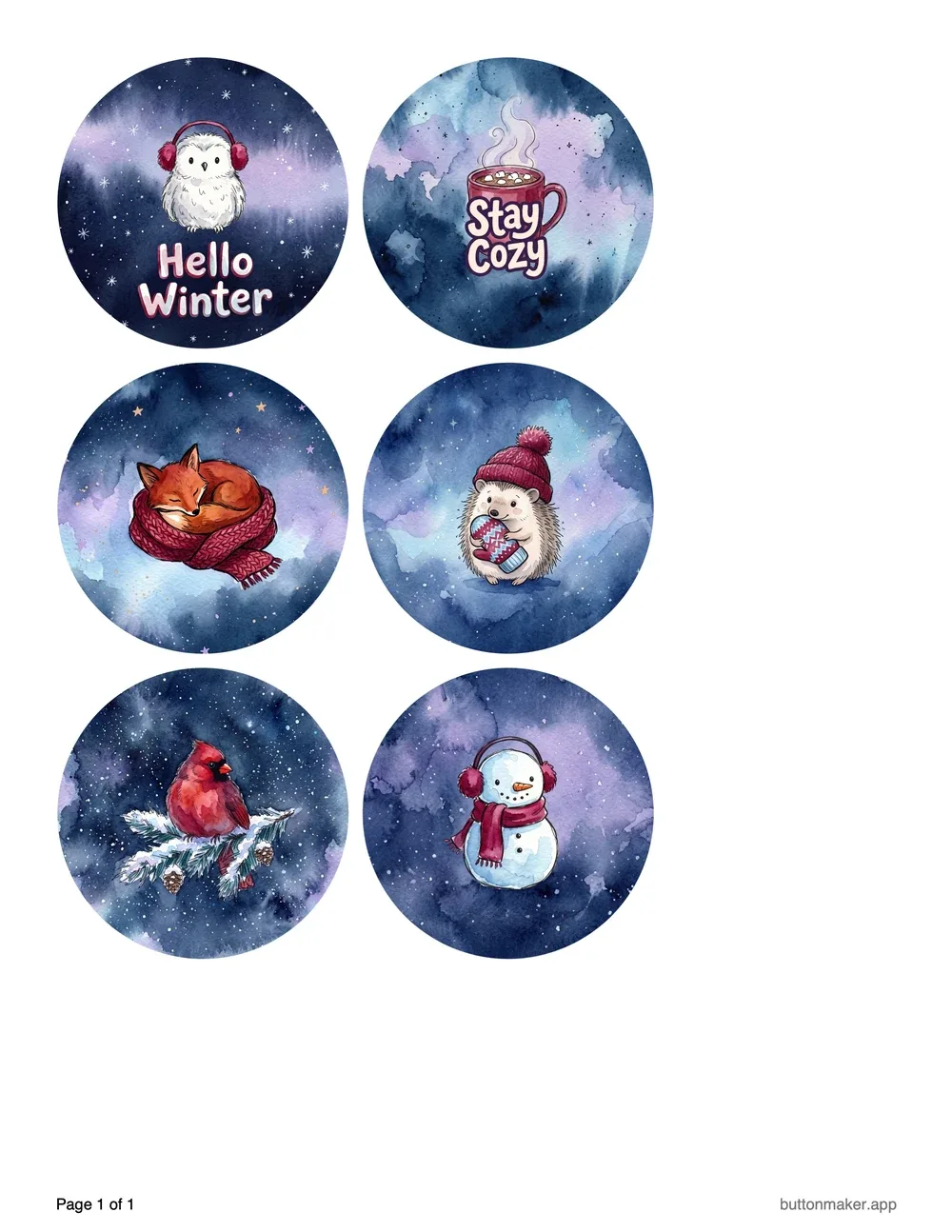 Free Winter Quotes Button Printables – 2.25 Inch Hello Winter & Stay Cozy Pins
Make your own custom buttons
Design with your own photos and art, pick any button size, and download a print-ready PDF. Free to start.
Start free Thinking of selling them? From your first sheet to a table of your own →Free to print, and free to sell what you make with it. Please don't share or sell the PDF itself.