Free Groundhog Day Button Printables – 2.25 Inch Embroidered Patch Style Groundhog Pins
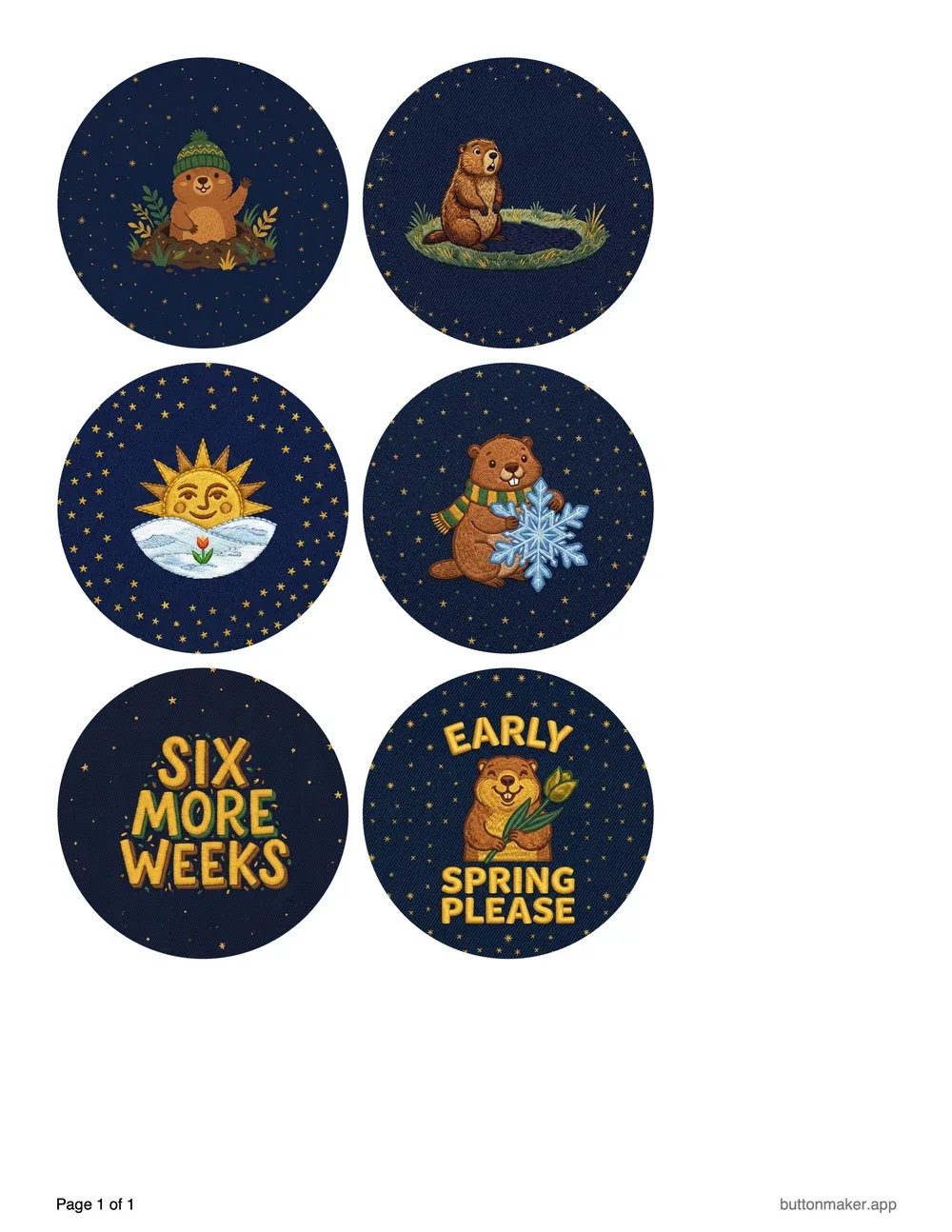
This Groundhog Day sheet is drawn to look like embroidered patches, with satin stitch fur, thread texture and tiny gold stars scattered over deep navy twill. It is printed paper, not real stitching, but on a finished button it reads like a little sewn badge.
Four faces are pictures: a groundhog in a green knit beanie waving from his burrow, a wide-eyed groundhog who has just spotted his own shadow, a smiling sun rising over a snowy hill with one brave tulip, and a groundhog in a striped scarf hugging a big blue snowflake. The other two let you pick a side. Six More Weeks is for the winter fans, and Early Spring Please has a grinning groundhog holding a tulip for everyone who is done with the cold.
The navy background runs past the edge of each circle, so there is no red cut line on this sheet. Print at 100% with Fit to page off, cut around the edge of each circle and press.
What's on this sheet
- Beanie in the burrow: A groundhog in a green and gold knit beanie waving from a dirt mound with little leafy plants, on navy with gold stars.
- Shadow surprise: A startled groundhog sitting up on a patch of grass with its dark shadow stretched out beside it, on navy with gold stars.
- Sun over the snow: A smiling golden sun rising behind a snowy hill with a single red tulip sprouting, on navy with gold stars.
- Snowflake hug: A buck-toothed groundhog in a green and gold striped scarf hugging a large pale blue snowflake, on navy with gold stars.
- Six More Weeks: The words Six More Weeks in chunky golden yellow stitched lettering with green accents, on dark navy.
- Early Spring Please: A grinning groundhog holding a yellow tulip, with the words Early Spring Please in golden lettering above and below, on navy with gold stars.
Ways to use them
- A classroom vote on February 2: hand out Six More Weeks and Early Spring Please and see which side wins.
- Jacket, tote and backpack pins that pass for small sewn patches.
- Prizes for a library story time or a weather unit.
- Favors for a Groundhog Day breakfast or office party.
Size & printing
- Sized for 2.25 inch round buttons. Each circle is the full 2.625 inch cut size.
- Six designs per US Letter page, one of each.
- No red cut line on this sheet. Cut around the edge of each navy circle.
- Bleed is built in. Print at Actual Size / 100% with Fit to page off.
- Open the PDF and choose Print.
- Set the scale to "Actual size" or 100%. Turn "Fit to page" OFF.
- Choose US Letter paper (8.5 x 11 inches).
- Print one page first and hold a ruler to one design to check its size before you print more.
Frequently asked questions
- Are these real embroidered patches?
- No. They are printed artwork drawn in an embroidered patch style, so you get the stitched look on an ordinary paper button.
- Where do I cut if there is no red circle?
- Cut around the outside edge of each navy circle. That edge is the 2.625 inch cut size a 2.25 inch button needs.
- Can I print only the two sayings?
- The sheet prints as one page with all six designs. To make a full page of one saying, build your own sheet in Button Maker.
More free sheets
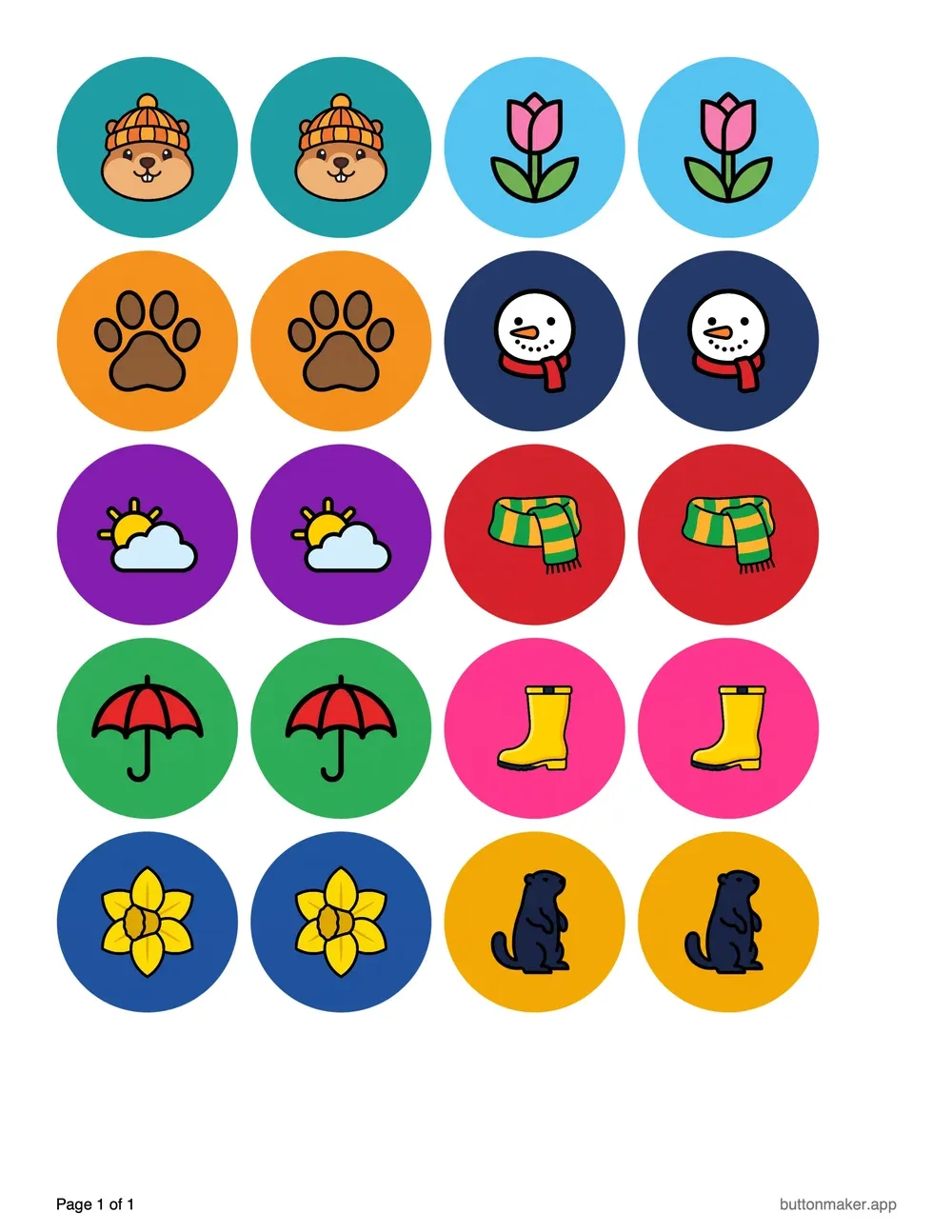 Free Groundhog Day Button Printables – 1.25 Inch Mini Winter or Spring Pins, 20 per Page
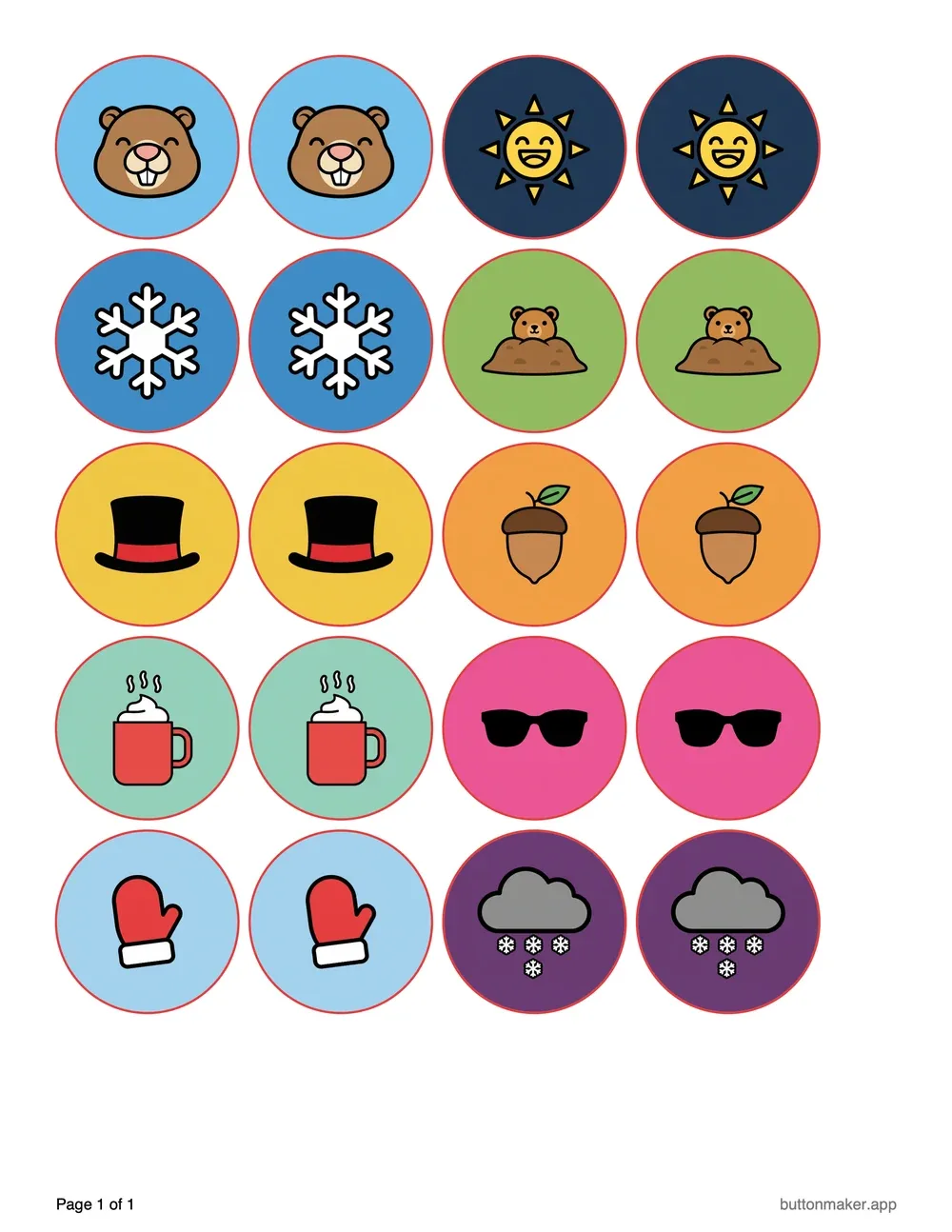 Free Groundhog Day Button Template – 1.25 Inch Mini Pins, 20 per Page
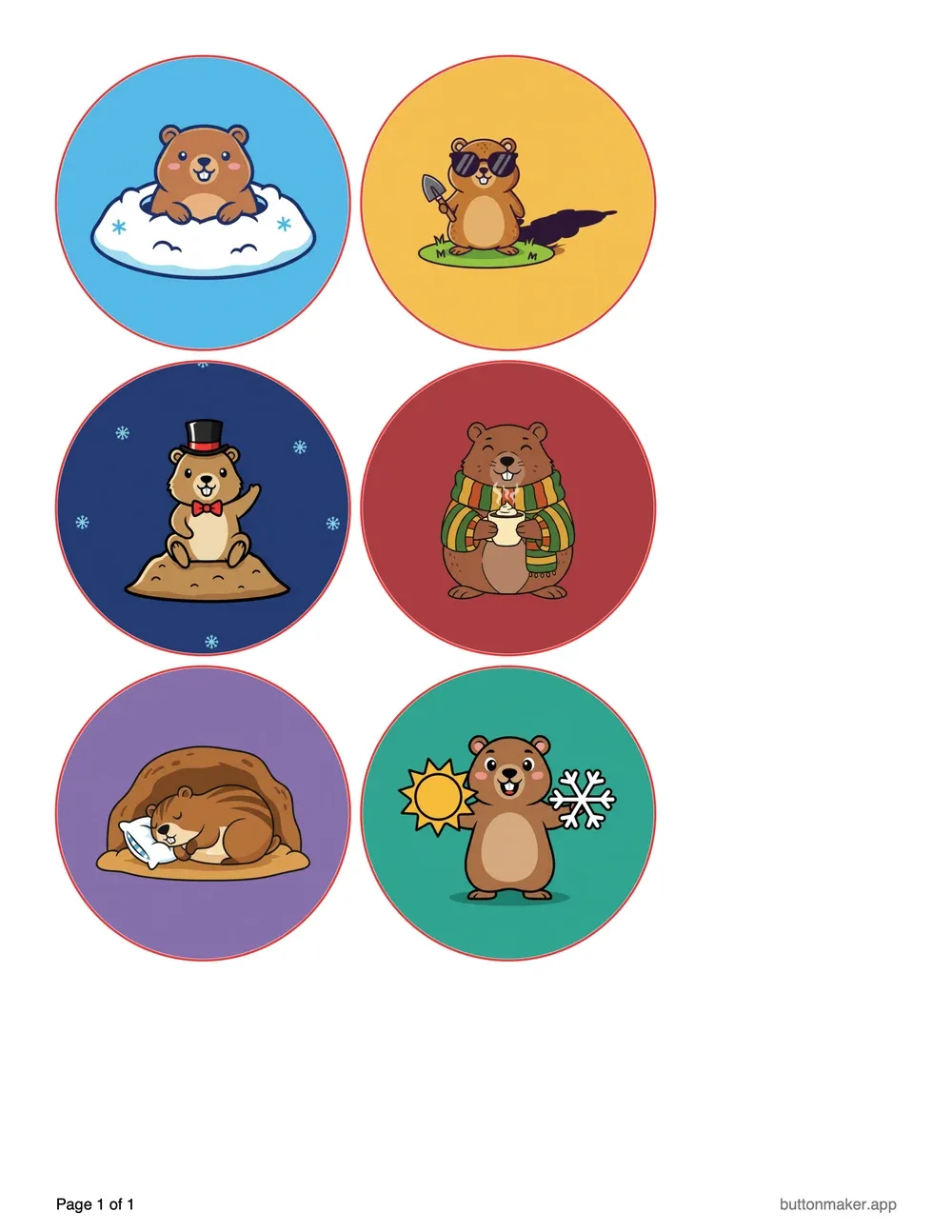 Free Groundhog Day Button Printables – 2.25 Inch Cute Groundhog Pins
 Free Winter Window Art Button Printables – 1.25 Inch Mini Snowflake, Penguin & Snow Globe Pins
 Free Winter Window Art Button Printables – 2.25 Inch Linocut Snowflake, Cabin & Snowy Owl Pins
 Free Groovy Classroom Button Printables – 1.25 Inch Mini Pencil, Rainbow & Daisy Pins
Make your own custom buttons
Design with your own photos and art, pick any button size, and download a print-ready PDF. Free to start.
Start free Thinking of selling them? From your first sheet to a table of your own →Free to print, and free to sell what you make with it. Please don't share or sell the PDF itself.