Free Winter Classroom Button Printables – 2.25 Inch Snowman Teacher & Penguin Pins
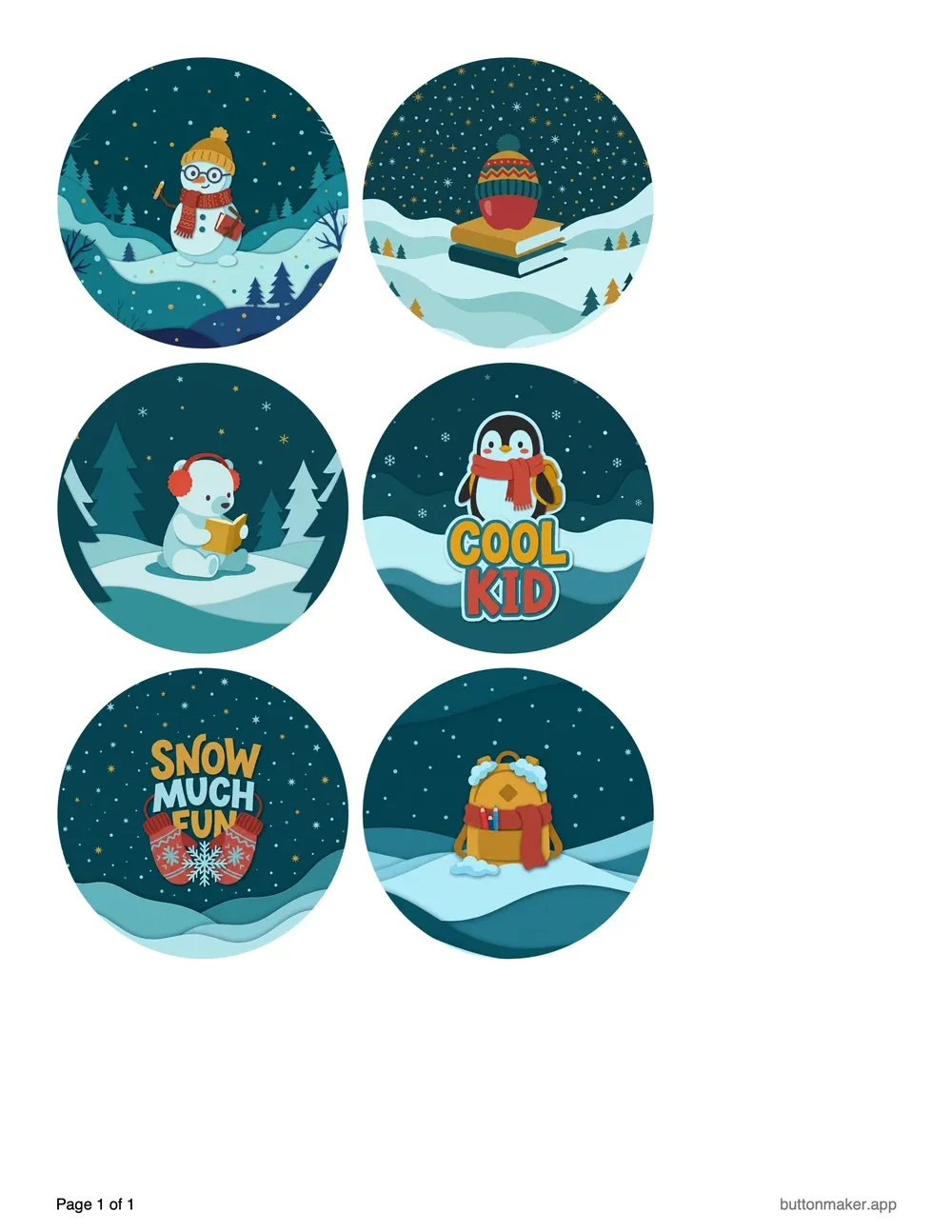
When the classroom door gets its snowflakes and the reading corner gets its blankets, these buttons fit right in. This sheet has six winter school designs you can turn into 2.25 inch pin-back buttons, magnets or badges, all drawn in a layered papercut look with deep teal night skies and soft blue snowdrifts.
Four of the designs are pictures only and two carry a short saying, Cool Kid and Snow Much Fun, so there is something for the student who wants a cute animal and the one who wants words to show off. The same teal, icy blue, red and mustard run through all six, which makes them look like a matched set on a bulletin board or a row of backpacks.
The sheet is drawn at true size for a standard 2.25 inch button press with the bleed already built in. There are no printed cut circles on this one, so cut around the edge of each colored circle. Print it at 100% with Fit to page turned off, cut and press.
What's on this sheet
- Snowman teacher: A smiling snowman in round glasses, a mustard knit hat and a red scarf, holding a pencil in one stick arm and a red book in the other, among snowy pine trees.
- Apple in a knit hat: A red apple wearing a striped pom-pom hat, sitting on two stacked books in the snow under a sky full of stars and snowflakes.
- Reading polar bear: A polar bear cub in red earmuffs sitting on the snow with an open yellow book, with tall paper pine trees behind.
- Cool Kid penguin: A penguin in a red scarf with a yellow backpack, standing above the words Cool Kid in chunky mustard and red letters.
- Snow Much Fun mittens: A pair of patterned red mittens holding a pale blue snowflake, with Snow Much Fun lettered above in mustard and icy blue.
- Snowy backpack: A mustard school backpack with a red scarf wrapped around it, pencils in the pocket and a cap of snow on top.
Ways to use them
- Winter classroom rewards: hand one out for a finished reading log or a kind deed, and let students pick their favorite.
- A match for a winter classroom door or bulletin board. Pin a few to the display or to the teacher's lanyard.
- Small gifts for students before winter break, clipped to a card or a treat bag.
- Book fair and library week badges: the reading polar bear and the apple on books suit a reading theme.
- Fridge or whiteboard magnets, using magnet backs in place of pin backs.
Size & printing
- Made for 2.25 inch round buttons. Each circle is printed at the 2.625 inch cut size, which leaves room for the paper to wrap the shell.
- Six designs per US Letter page, one of each.
- No cut line is printed. Cut around the edge of each colored circle, or use a circle cutter set to 2.625 inches.
- Fits standard 2.25 inch presses. Metric 58mm presses use a larger cut size, so make a 58mm sheet in Button Maker for those.
- Open the PDF and choose Print.
- Set the scale to "Actual size" or 100%. Turn "Fit to page" OFF.
- Choose US Letter paper (8.5 x 11 inches).
- Print one page first and hold a ruler to one design to check its size before you print more.
Frequently asked questions
- Where do I cut if there is no red circle?
- Cut around the outer edge of each colored circle. That edge is the 2.625 inch cut size for a 2.25 inch button, so the picture and words stay on the front and the extra background wraps around the side.
- Some of the snow near the edge is very pale. Will that be a problem?
- No. The pale blue snow is still printed color, so you can see the edge of the circle on white paper. Once pressed, that outer band folds around the side of the button.
- Can I print just one design for the whole class?
- This sheet has one of each design. To fill a page with a single favorite, or to add names, build your own sheet in Button Maker.
More free sheets
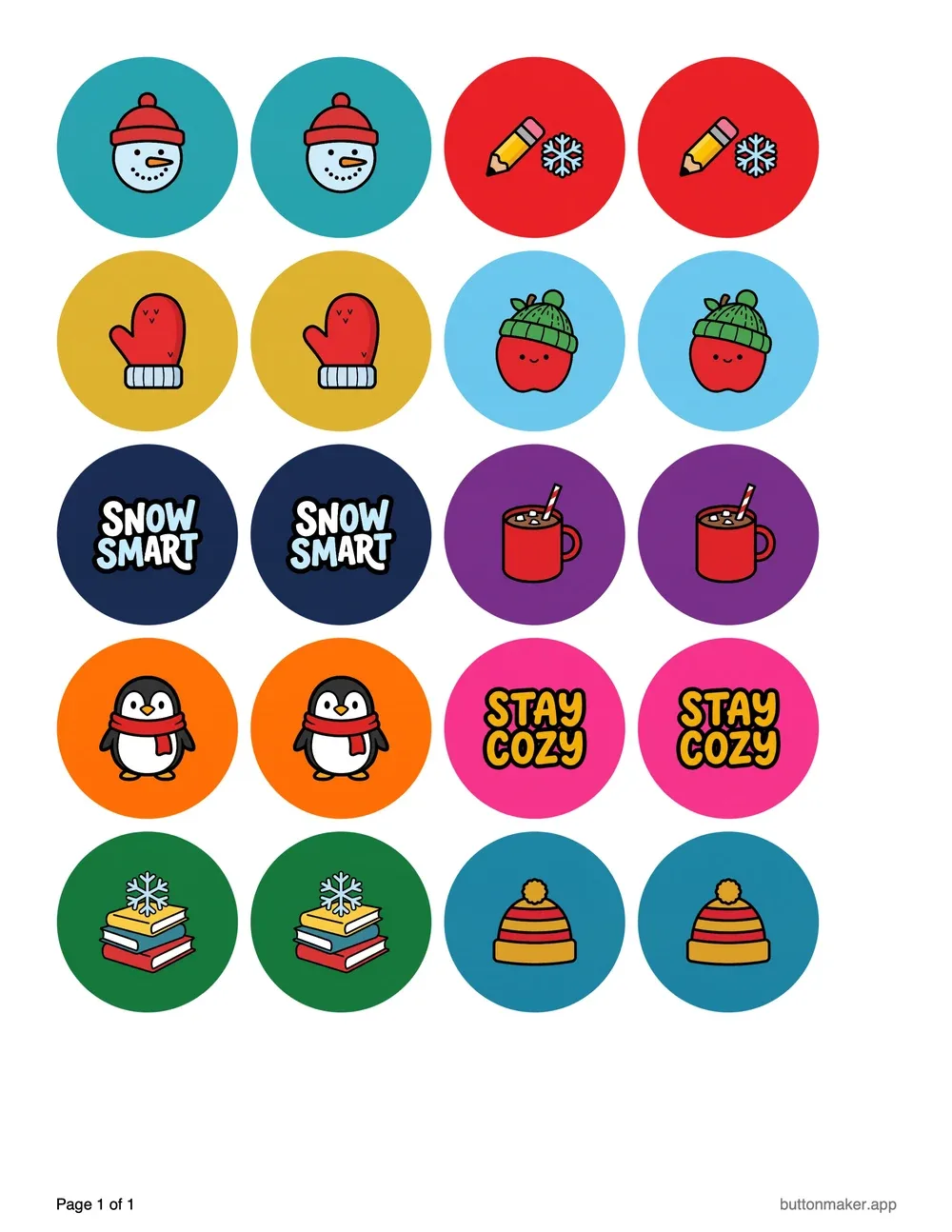 Free Winter Classroom Button Printables – 1.25 Inch Mini Snowman, Penguin & Mitten Pins
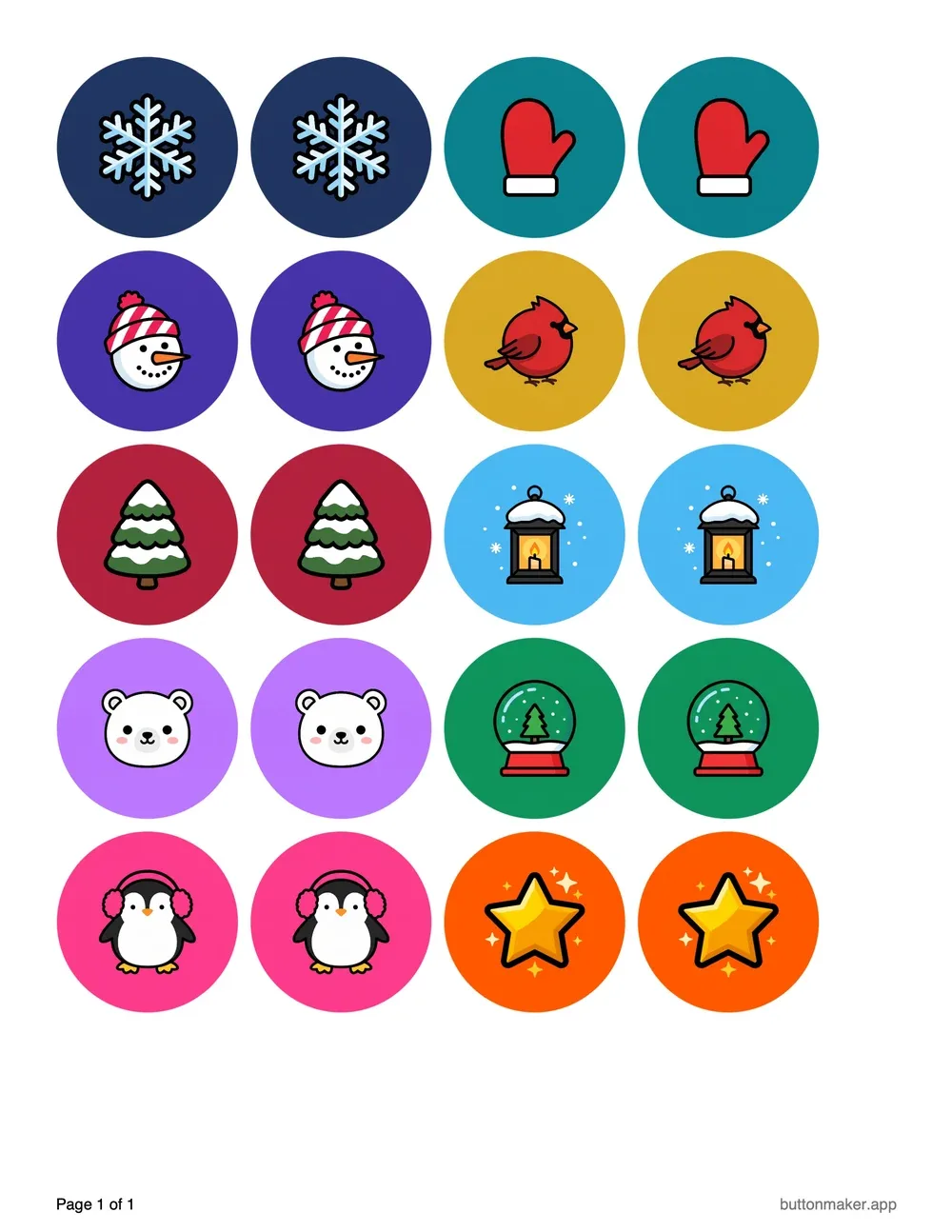 Free Winter Window Art Button Printables – 1.25 Inch Mini Snowflake, Penguin & Snow Globe Pins
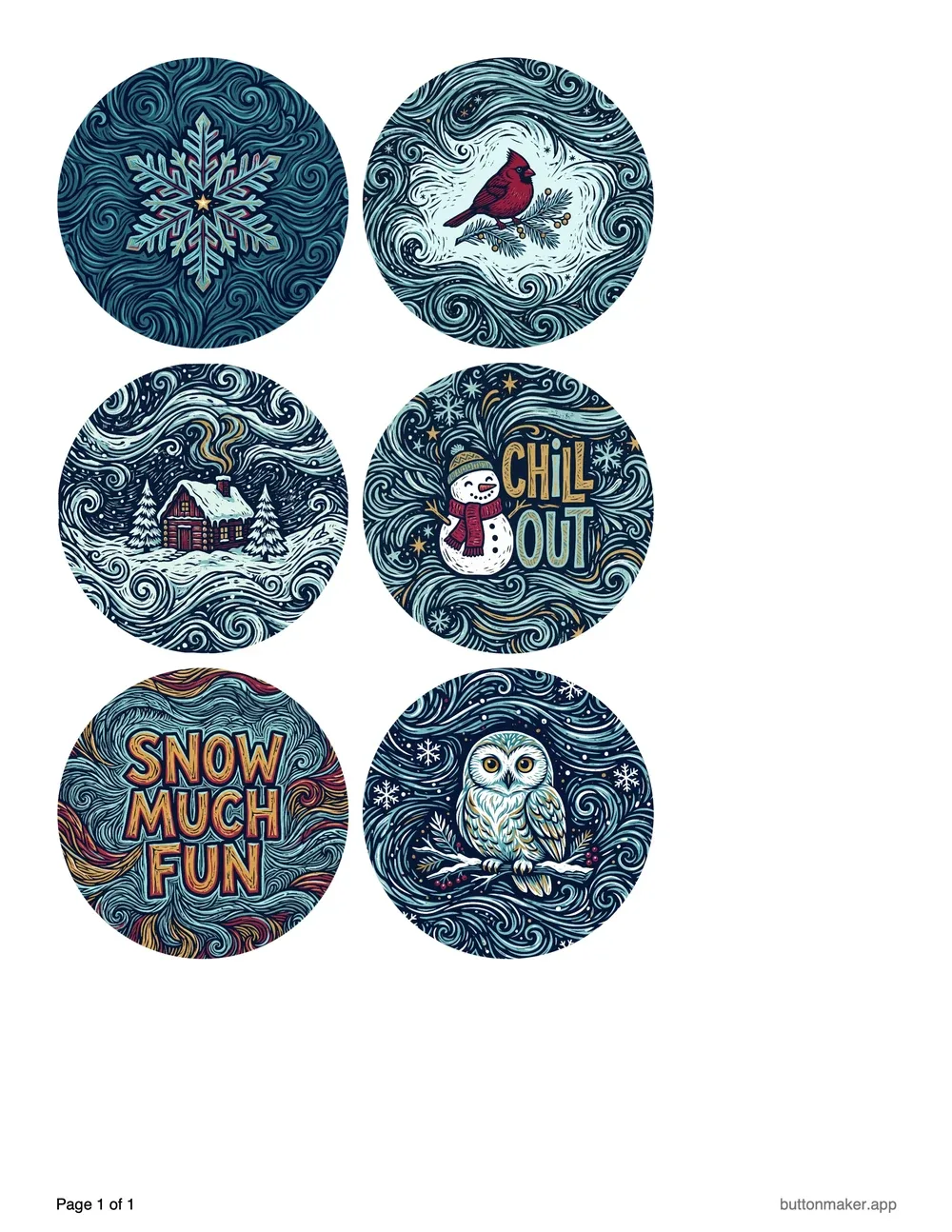 Free Winter Window Art Button Printables – 2.25 Inch Linocut Snowflake, Cabin & Snowy Owl Pins
 Free Groovy Classroom Button Printables – 1.25 Inch Mini Pencil, Rainbow & Daisy Pins
 Free Groovy Classroom Button Printables – 2.25 Inch You Got This & Retro School Pins
 Free Whimsy Button Printables – 1.25 Inch Mini Mushroom, Snail & Frog Prince Pins
Make your own custom buttons
Design with your own photos and art, pick any button size, and download a print-ready PDF. Free to start.
Start free Thinking of selling them? From your first sheet to a table of your own →Free to print, and free to sell what you make with it. Please don't share or sell the PDF itself.