Best Paper and Printers for Button Making
Compare paper weights, finishes, and printer options for your button press
Start with Paper That Fits Your Press
For a standard Tecre paper setup, our starting choice is 24 lb bond paper (about 90 gsm). It sits within Tecre's recommended 22–28 lb range. Already have 20 lb copy paper? Try a sample first; regular copy paper can work, but check that the finished pin crimps securely.
Match three things: paper your printer supports, thickness your press accepts, and a template for your exact tooling. A larger button does not automatically need heavier paper. Print one design, cut it, and press a sample before buying a full batch of supplies.
As an Amazon Associate, ButtonMaker earns from qualifying purchases. This does not affect our recommendations or what you pay.
Paper Weight for Button Making: lb and gsm
Start with the press setup, then compare paper
Swipe or scroll the table on smaller screens. These are starting recommendations for US Tecre tooling; confirm your machine's paper or photo setup before using thicker stock.
| Paper | Weight | Button size / press | Our guidance |
|---|---|---|---|
| Plain copy paper | 20 lb bond ≈75 gsm | 1.25–3 inch round, standard paper setup | Try paper you already own; check print quality and the finished crimp. |
| Multipurpose paper | 24 lb bond ≈90 gsm | 1.25, 1.5, 2.25, or 3 inch round; square paper setups | Our first choice for a test sheet, within Tecre's preferred range. |
| Epson Presentation Paper Matte | 27 lb 102 gsm | Tecre paper setups; inkjet artwork | A coated option for photos. Choose S041062, not a heavier Premium variant. |
| Heavier bond paper | 28 lb bond ≈105 gsm | Same standard paper setups | At the top of Tecre's stated range; check thickness and printer limits. |
| Heavy presentation paper | 32 lb bond ≈120 gsm | Any size in a standard paper setup | Above the general range. Confirm with the press maker before buying. |
| Cover cardstock | 80 lb cover ≈216 gsm | No default recommendation for standard paper dies | Do not substitute for bond paper. Photo or custom dies need their own material specification. |
The lb number depends on the paper category: 80 lb cover is not 80 lb text. The approximate bond/cover conversions above follow Sylvamo's paper specifications; gsm measures weight per area, not thickness. Tecre distinguishes paper dies from photo dies, so ask about your exact model rather than choosing by diameter alone.
Use the 2.25 inch template for a US 2.25-inch press. A metric press needs its own 58mm template and the paper guidance from its manufacturer. Templates do not make different presses or parts interchangeable.
Paper Options to Try
A plain-paper trial and a matte option for inkjet artwork
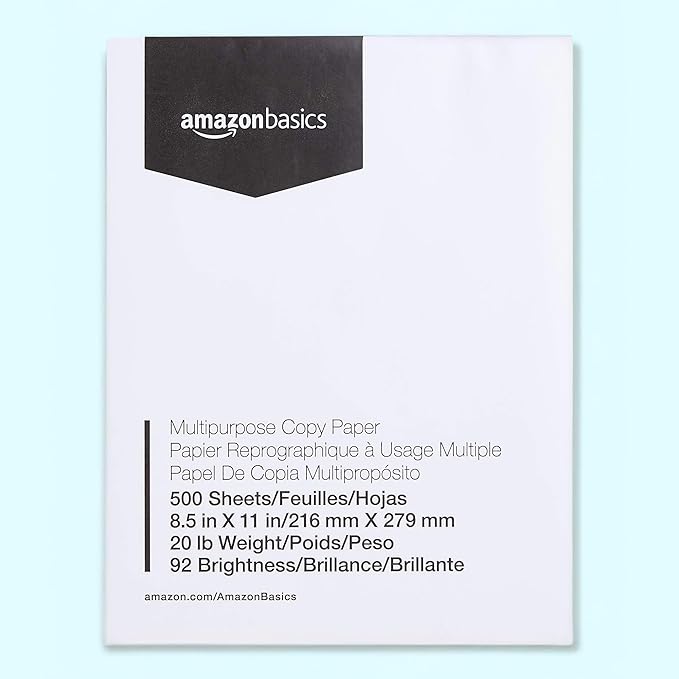
Amazon Basics Multipurpose Printer Paper, 500 Sheets
This 20 lb multipurpose paper is a basic test option for simple graphics, especially if you already have a ream. It is lighter than Tecre's preferred 22–28 lb range, so test the print and crimp before making a batch.
The pack contains 500 letter-size sheets. Compare the current per-sheet price with 24 lb multipurpose paper before ordering; neither price nor paper weight alone tells you how your artwork will look.
For a fresh paper purchase, start with the 24 lb recommendation above or consider the inkjet option below.
Matte vs. Glossy Paper for Button Pins
The clear cover already gives a finished button its shine
Start with uncoated paper for simple graphics, or a lightweight matte inkjet coating for photos. Glossy paper is not required for a glossy button: the mylar cover supplies the sheen. Thick photo stock needs a press setup that accepts it; a matte label alone does not guarantee a thin sheet.
Epson Presentation Paper Matte, S041062
Tecre uses this paper for its samples. Epson specifies 27 lb, 102 gsm, and 4.9 mil thickness for the 100-sheet letter pack. It is a photo-quality inkjet option; check the printer's media support and use the matching paper setting.
The similarly named Premium Presentation papers are different products. Check the S041062 model number rather than buying by the word "matte."
Find S041062 on AmazonBest Printer for Button Making: Inkjet or Laser?
Try the printer you own before buying one for buttons
There is no single best printer for every batch. An inkjet is a practical choice for photo artwork and compatible matte presentation paper. A laser printer can also produce button graphics; use laser-rated media and inspect a pressed sample for toner or crimp problems. Avoid putting inkjet-only coated sheets in a laser printer.
For occasional projects, compare the purchase price and replacement ink cost. For regular batches, compare consumable cost per page and supported paper sizes. A printer's ability to feed thick paper does not mean your button press can crimp it.
ABM's troubleshooting guide identifies laser toner as a possible cause of mylar slipping. That is a reason to test your printer/paper combination, not a blanket ban on laser printing.
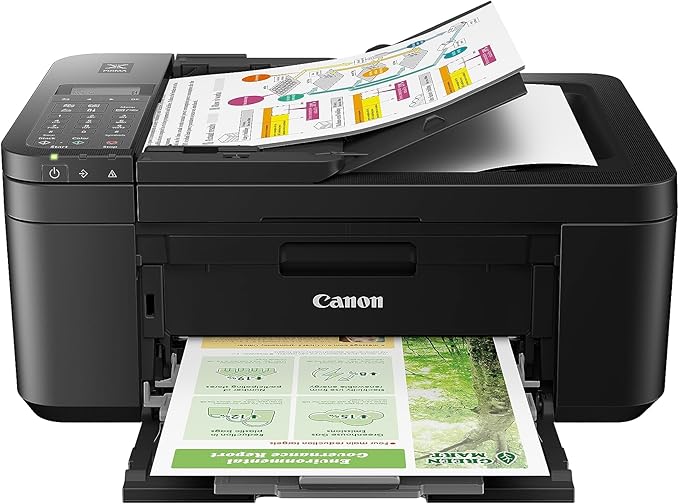
Canon PIXMA TR4720 All-in-One Wireless Printer
The Canon PIXMA TR4720 is one entry-level inkjet option to compare. It supports letter-size plain paper, wireless printing, scanning, and copying. This is a specification-based option, not a claim that we have tested every printer for button production.
Canon lists a 64–105 gsm plain-paper range and separate support for specified photo media. Use the driver setting that matches your actual sheet, then check a test PDF at 100% scale.
Before ordering, compare current printer and replacement-cartridge prices. Full-bleed artwork uses ink differently from ordinary documents, so quoted page yields do not translate directly into a number of button sheets.
Ink That Lasts
Check cartridge compatibility and cost per rated page
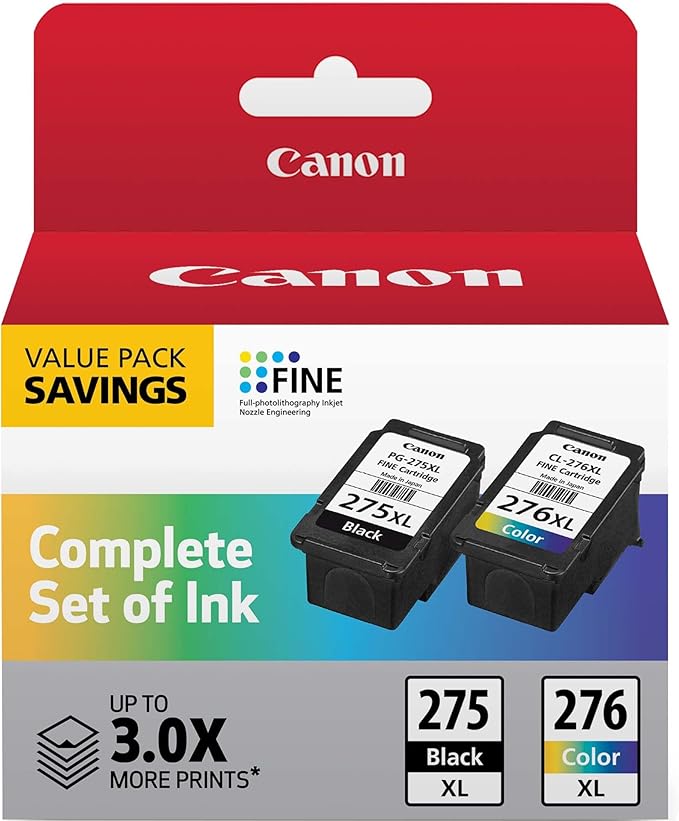
Canon PG-275XL / CL-276XL Ink Value Pack
The PG-275XL / CL-276XL pack contains one black and one color cartridge. Canon rates each XL cartridge at 300 document pages, versus 100 for the standard version. Those are test-document yields, not full-color button-sheet yields.
Compare the current pack price divided by its rated yield before choosing standard or XL cartridges. Your artwork coverage and print settings determine actual usage.
Canon lists these XL cartridges for the TR4720. Other PIXMA models may use different cartridges; match the exact printer model before ordering.
Print Settings That Matter
Small settings make a big difference in your buttons
Printer Tips
Getting the most out of whatever printer you have
Paper and Printing Questions
Start with 24 lb bond paper, about 90 gsm, for a standard Tecre paper setup. For inkjet photos, Epson Presentation Paper Matte S041062 is another option. Test one finished pin before printing a batch.
Tecre gives a general range of 22–28 lb for its standard machines. In common bond weights, 24 lb is about 90 gsm and 28 lb is about 105 gsm. Thickness and the specific die setup matter too; a larger button does not automatically need heavier paper.
Do not treat cardstock as a safe default for standard paper dies. Its weight scale differs from bond paper, and thick stock may not crimp properly. Use material approved for your exact machine; photo or custom setups have different requirements.
Glossy stock is optional because the clear mylar cover adds shine. Lightweight matte paper is a useful starting point for inkjet photos. Check thickness and printer compatibility for either finish.
Try your current printer first. An inkjet with compatible matte paper is one option for photos; a laser can also work with laser-rated media. Compare print quality, paper support, and consumable costs, then inspect a pressed sample.
Print the PDF at 100% or actual size with fit-to-page scaling disabled. Select the correct page size and a quality setting for the paper you loaded. Keep the cut guides, let ink dry fully, and measure a test print before cutting.
Ready to print some buttons?
ButtonMaker generates print-ready PDFs with cut guides built in. Just print, cut, and press.
Start Free