1.5 Inch Button Template
A versatile mid-size pin-back button that balances detail and wearability.
Download the free printable 1.5" circle button template (PDF)
A blank letter-size sheet you can print right now. Every button is drawn at the correct size with the full 0.1685" bleed already added, so what you cut out wraps the shell without exposing the metal rim.
Free to print and share. Prefer to add your own artwork? Design it online instead.
Not sure which size you are holding? Print the free US button size chart (PDF): every size we support at actual size, with a ruler on the page that catches a printer set to Fit to page.
Template Specifications
Everything you need to know about the 1.5" circle button
*approximate size
What People Make with 1.5" Buttons
The versatile middle ground
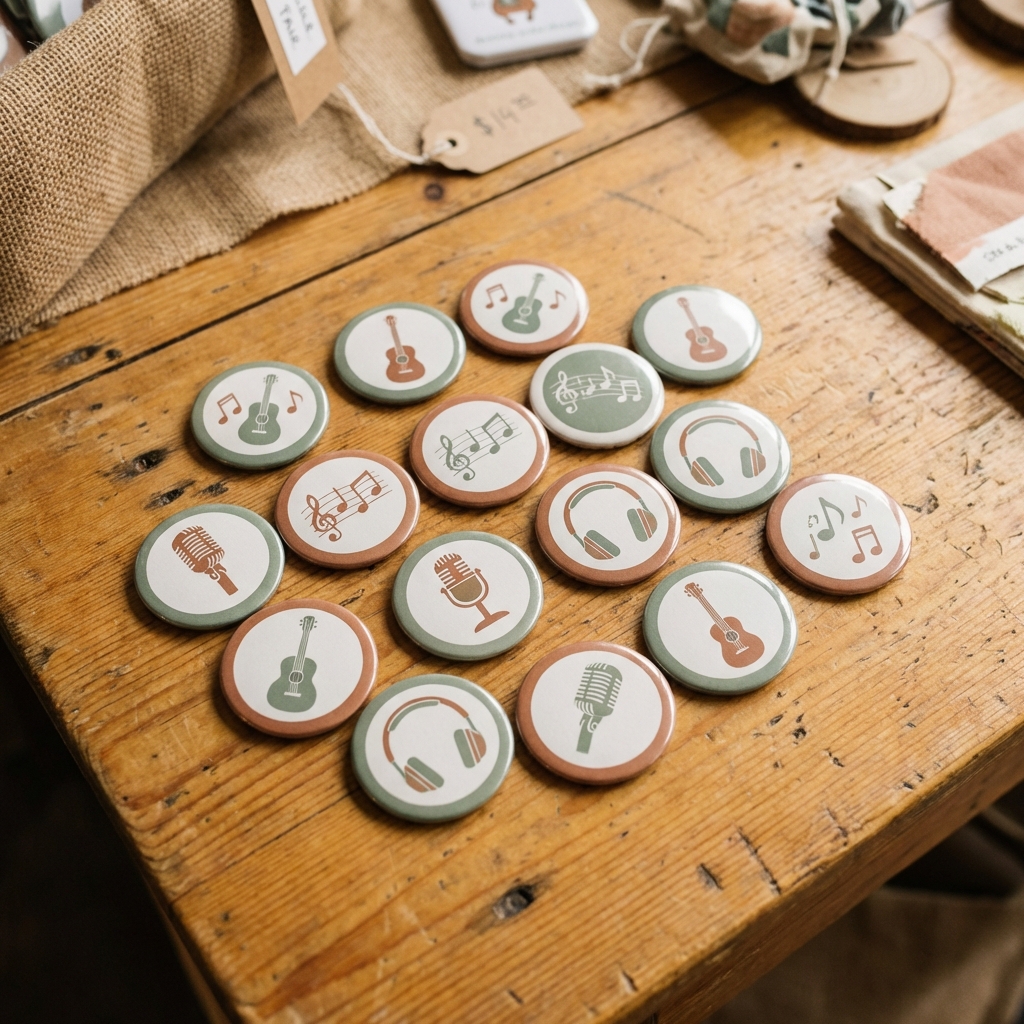
General-Purpose Pins
A step up from 1.25" with more room for detail, while still compact enough for any jacket or bag.
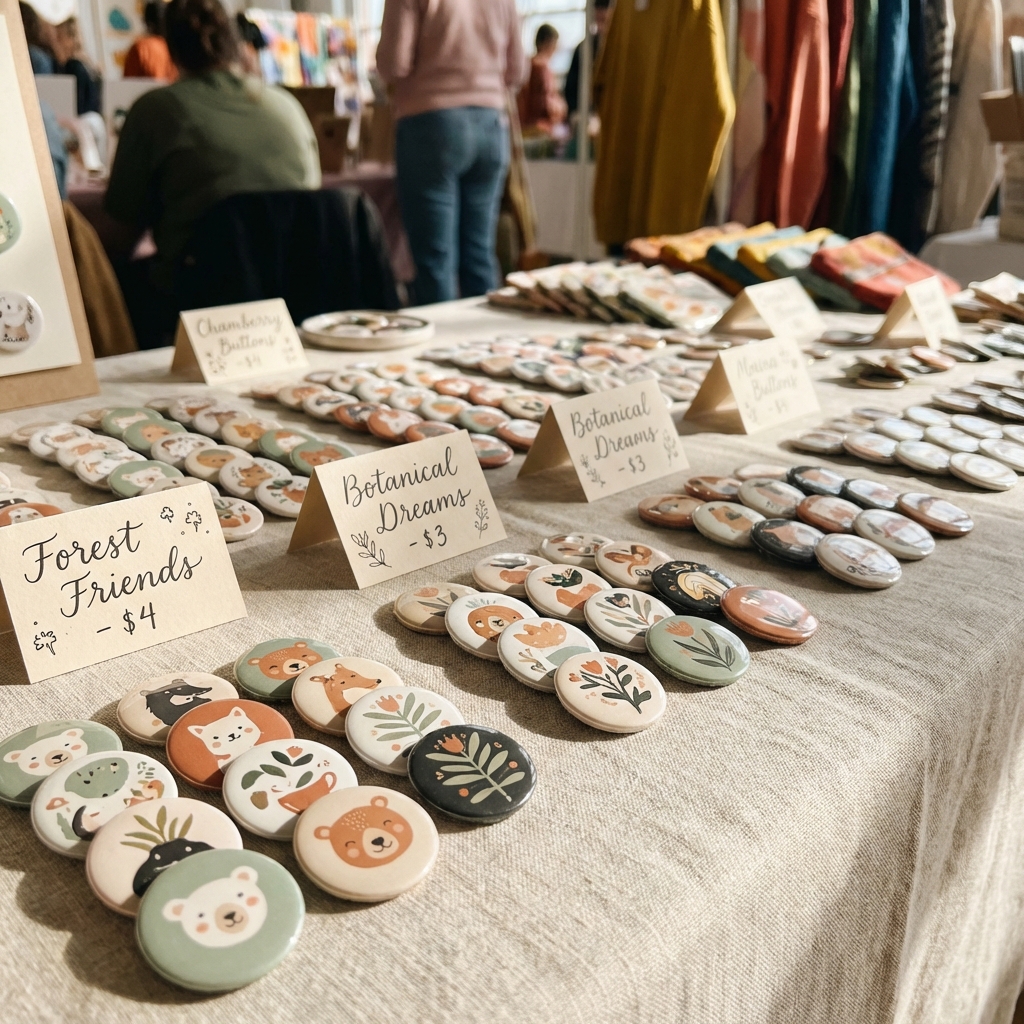
Logo Buttons
Clean brand marks and logos look sharp at this size. Common for small businesses and startups.
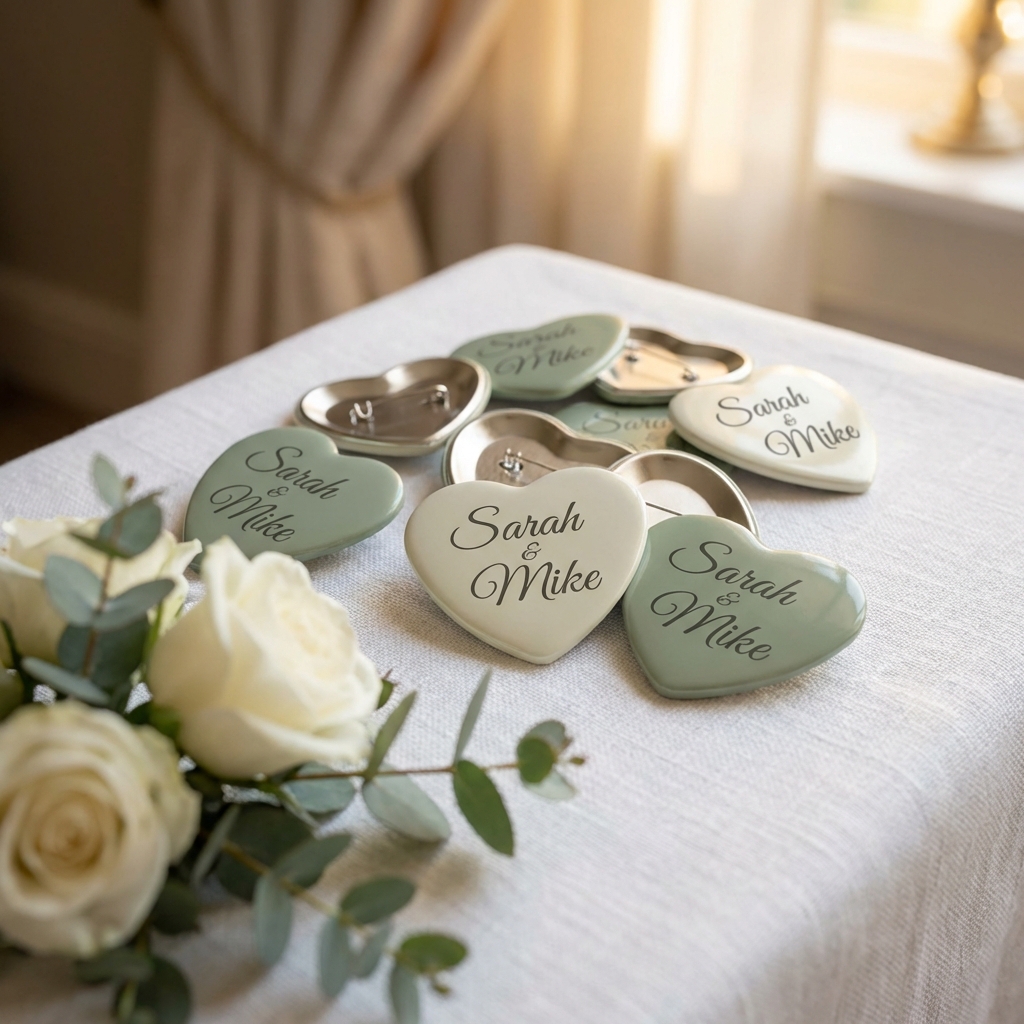
Party Favors
Great for birthdays, showers, and celebrations when you want something more substantial than a 1.25".

Name Tags
Big enough to read a name from across a room, small enough not to overwhelm an outfit.
Make 1.5" Buttons in 3 Steps
Upload Your Image
Drop in your design, logo, or photo. Or use our AI tools to generate something from scratch. The 1.5" template is already selected for you.
Position and Preview
Drag, zoom, and rotate your image on the canvas. The bleed ring shows you exactly what will print and what wraps around the edge. No guessing.
Download and Print
Export a print-ready PDF with cut guides. Our Fill Page feature packs 15 buttons onto a single letter-size sheet at the default margins, and more if you tighten them, so you waste less paper.
Start free. No credit card required.
Works With Your Equipment
ButtonMaker PDFs are built for real button presses
The 1.5 inch template generates print-ready PDFs that work with any standard 1.5 inch button press. The PDF includes precise cut guides and bleed marks for clean results every time.
- Button Presses to assemble your finished buttons
- Button Parts (shells, pin-backs, mylar) for 1.5 inch buttons
- Circle Cutters to trim your printed designs
- Paper and Printing Guide for the best results
Frequently Asked Questions
ButtonMaker uses the published tooling size for your press rather than a percentage. A 1.5 inch circle button takes 0.1685 inches of bleed on each side, for a cut size of 1.837 inches. These are punch diameters, not a formula, which is why they do not scale evenly: a 1.25 inch button needs more bleed than a 1.5 inch. The values match Tecre, American Button Machines, People Power Press, Neil and USA Buttons, and the tool shows the bleed zone in real time as you position your image.
At the default half-inch margins you fit 15 buttons on a standard 8.5 x 11 inch letter page, and 40 on tabloid (11 x 17). Narrower margins fit more. ButtonMaker calculates the exact count from your own margin and spacing settings and handles the layout automatically.
The 1.5 inch button is noticeably smaller than the standard 2.25 inch. It works best for simpler designs, logos, and situations where you want a more subtle look. If you need more room for text or detailed artwork, the 2.25 inch is the better choice. Both are popular, and ButtonMaker supports both.
Yes. ButtonMaker generates standard print-ready PDFs that work with any 1.5 inch button press. The template includes proper bleed and cut guides so your prints line up with your equipment.
Yes. The free Tinker plan lets you create up to 5 buttons per month with PDF download, and you get all standard sizes including 1.5 inch. For unlimited buttons and AI image tools, the Maker plan is $4.99 per month.
Ready to make some 1.5" buttons?
Pick the template, upload your design, and download your PDF. That is it.
Start with 1.5" Template