2 Inch Square Button Template
The largest standard square. Great for detailed artwork, QR codes, and bold branding.
Download the free printable 2" square button template (PDF)
A blank letter-size sheet you can print right now. Every button is drawn at the correct size with the full 0.3585" bleed already added, so what you cut out wraps the shell without exposing the metal rim.
Free to print and share. Prefer to add your own artwork? Design it online instead.
Not sure which size you are holding? Print the free US button size chart (PDF): every size we support at actual size, with a ruler on the page that catches a printer set to Fit to page.
Template Specifications
Everything you need to know about the 2" square button
*approximate size
What People Make with 2" Square Buttons
Maximum detail in a compact square
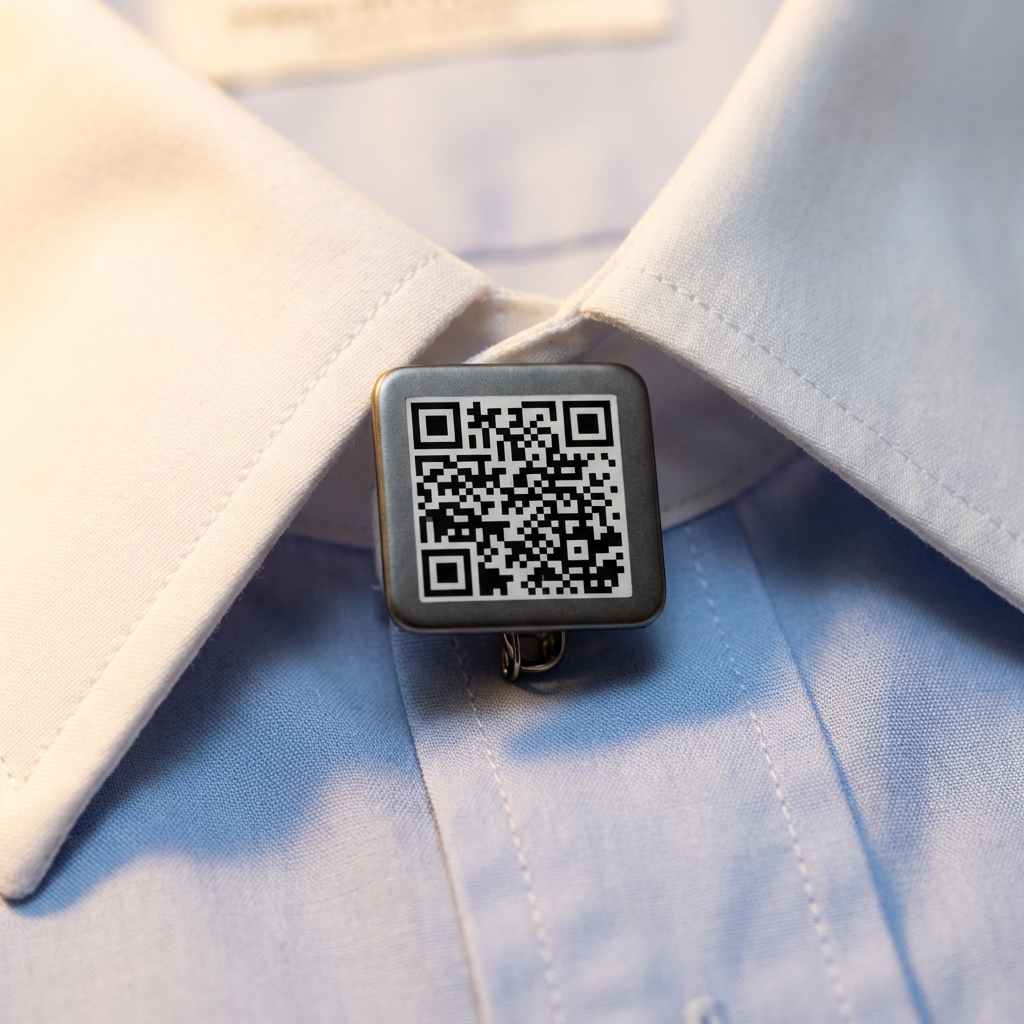
Detailed QR Codes
Large enough for complex QR codes that scan reliably from any angle.
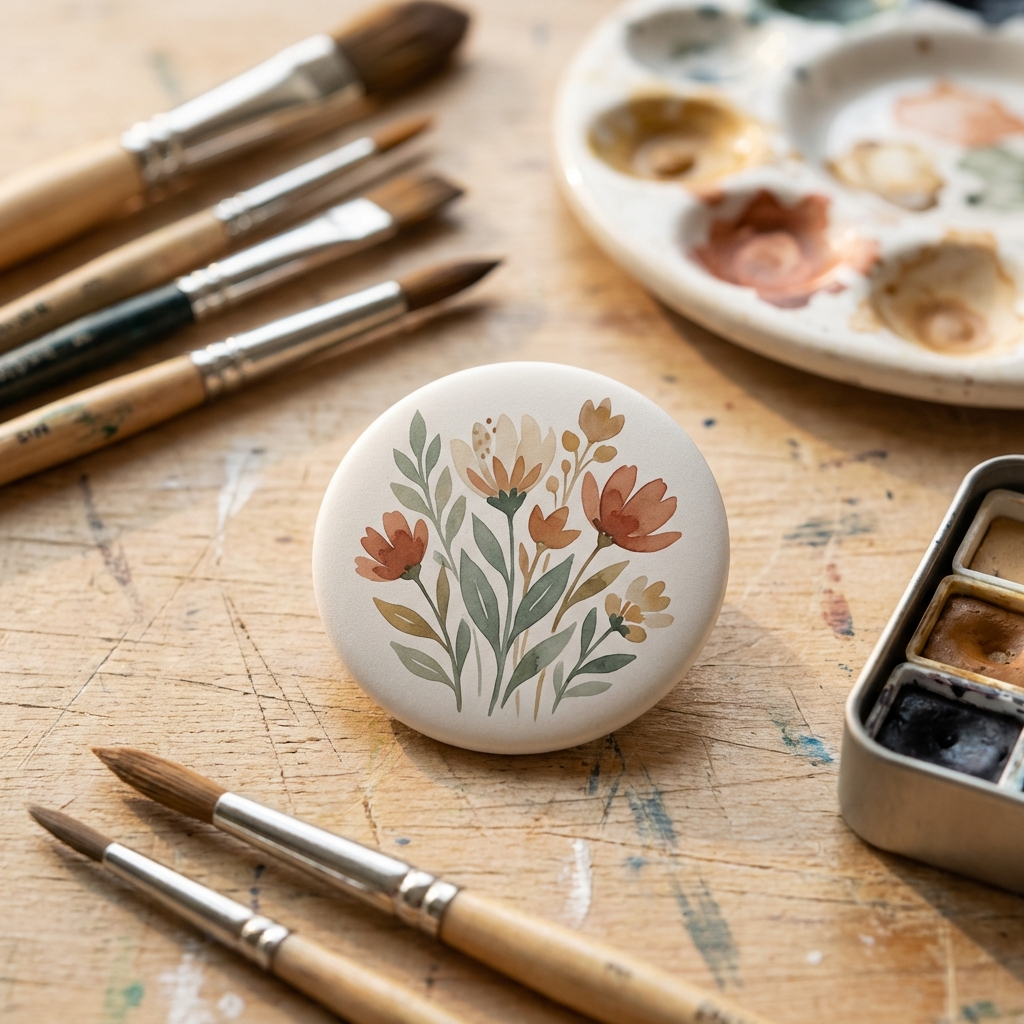
Full-Color Artwork
Enough space for illustrations, photos, and detailed designs that demand attention.
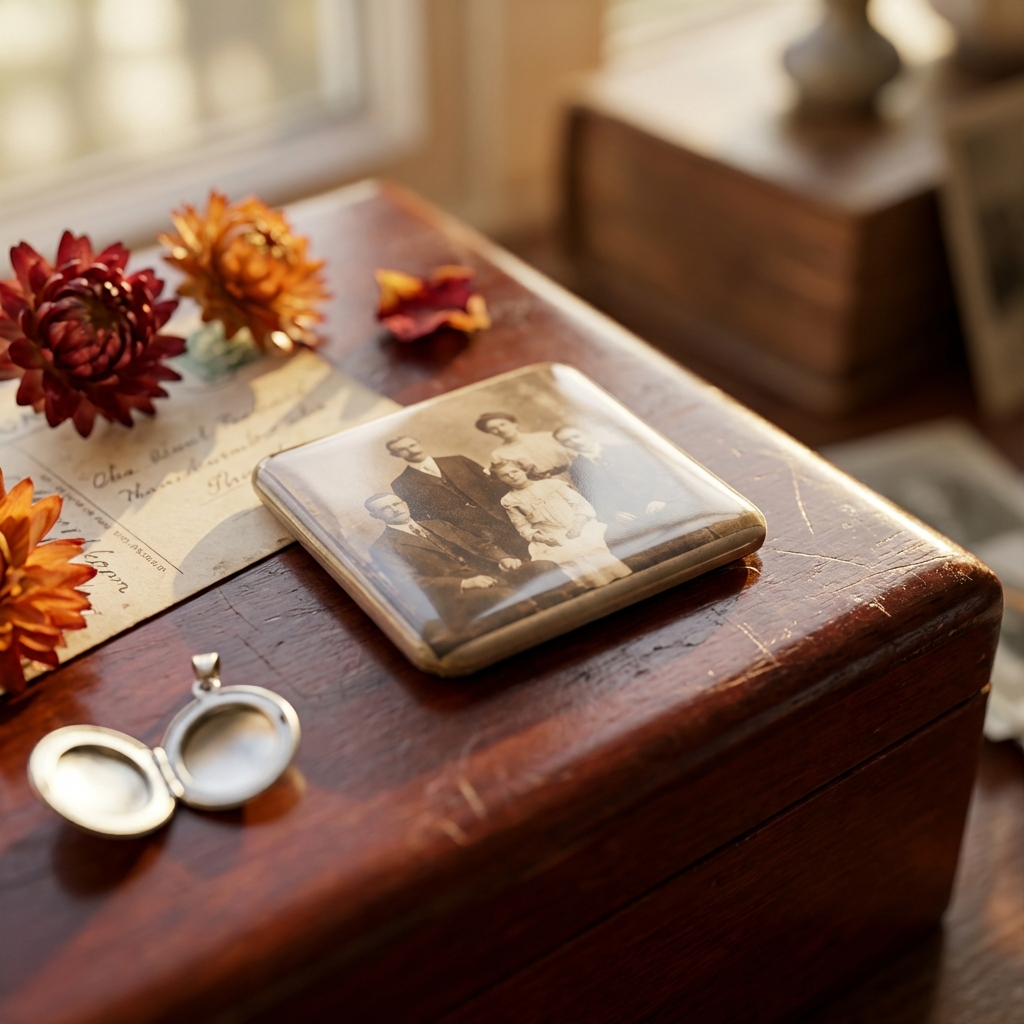
Photo Buttons
Family portraits, pet photos, and memorial buttons at a size big enough to appreciate the details.

Trade Show Badges
Professional name badges with room for name, title, and company branding.
Make 2" Square Buttons in 3 Steps
Upload Your Image
Drop in your design, logo, or photo. Or use our AI tools to generate something from scratch. The 2" square template is already selected for you.
Position and Preview
Drag, zoom, and rotate your image on the canvas. The bleed border shows you exactly what will print and what wraps around the edge. Square designs align perfectly with this format.
Download and Print
Export a print-ready PDF with cut guides. Our Fill Page feature packs 6 buttons onto a single letter-size sheet at the default margins. Use tabloid paper for 15.
Start free. No credit card required.
Works With Your Equipment
ButtonMaker PDFs are built for real button presses
The 2 inch square template generates print-ready PDFs that work with any standard 2 inch square button press. The PDF includes precise cut guides and bleed marks for clean results every time.
- Button Presses to assemble your finished buttons
- Button Parts (shells, pin-backs, mylar) for 2 inch square buttons
- Circle Cutters to trim your printed designs
- Paper and Printing Guide for the best results
Frequently Asked Questions
ButtonMaker uses the published tooling size for your press rather than a percentage. A 2 inch square button takes 0.3585 inches of bleed on each side, for a cut size of 2.717 inches. Squares need roughly double a round of the same size, because the corners have to wrap as well as the edges. These are Tecre's published numbers. Round buttons are the same to three decimals at every major supplier, but squares are not: suppliers genuinely differ on shapes. If your die came with a paper template, measure that and enter the bleed manually. The tool shows the bleed zone in real time as you position your image.
On a standard 8.5 x 11 inch letter page you fit 6 buttons at the default half-inch margins, and 15 on tabloid (11 x 17). A 2 inch square is cut at 2.717 inches, since a square needs roughly double the wrap allowance of a round. Square buttons still tile without the gaps circles leave. ButtonMaker handles the layout automatically.
Even though the 2.25" circle is slightly larger in diameter, the 2" square actually gives you more usable design area because circles lose their corners. The square is better for photos, QR codes, and designs with straight edges. The circle works better for traditional round pins and designs that look natural in a round frame.
Yes. Square buttons require a press with a square die set. ButtonMaker generates print files that match standard 2 inch square dies with proper bleed and cut guides.
Yes. The free Tinker plan lets you create up to 5 buttons per month with PDF download, and you get all standard sizes and shapes including 2 inch square. For unlimited buttons and AI image tools, the Maker plan is $4.99 per month.
Ready to make some 2" square buttons?
Pick the template, upload your design, and download your PDF. That is it.
Start with 2" Square Template